Total Drive automatically backs up your photos, videos and important files to the cloud with AES-256 encryption — so even if your phone is lost, broken or hit by ransomware, your memories are safe.
✔ 10TB storage • ✔ AES-256 encryption • ✔ 30-day money-back guarantee • Windows • Mac • Android • iOS
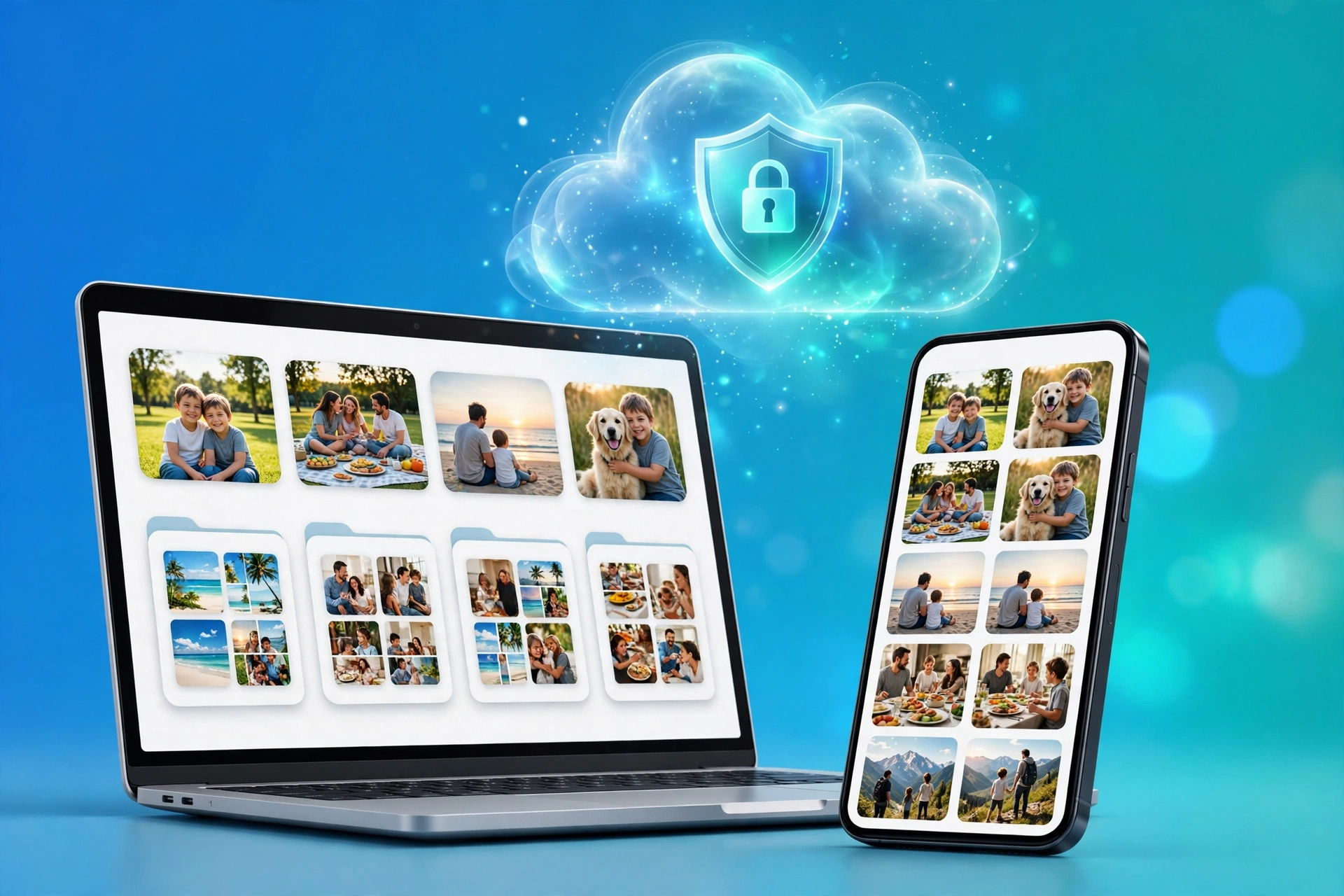
One dropped phone, one stolen laptop, one ransomware attack — and years of photos and documents can be gone forever.
You delete photos to make room, then regret it later. Total Drive backs them up automatically, then frees up space on your device.
Your device can be replaced. Your photos can’t. With Total Drive, just sign in on a new device and everything is back.
If malware locks your device, your cloud copy stays safe — protected by private encryption and file versioning.
Photos on your phone, documents on your laptop, work files on a USB. Total Drive syncs them all in one secure place.
Built by Total Security — the team behind TotalAV — for people who want backup that just works.
The moment you take a photo or record a video, Total Drive can back it up automatically. No manual uploads, no forgetting.
Room for hundreds of thousands of photos, videos and documents — without constantly running out of space.
Neverlost™ technology and AES-256 encryption protect your files from loss, corruption and ransomware attacks.
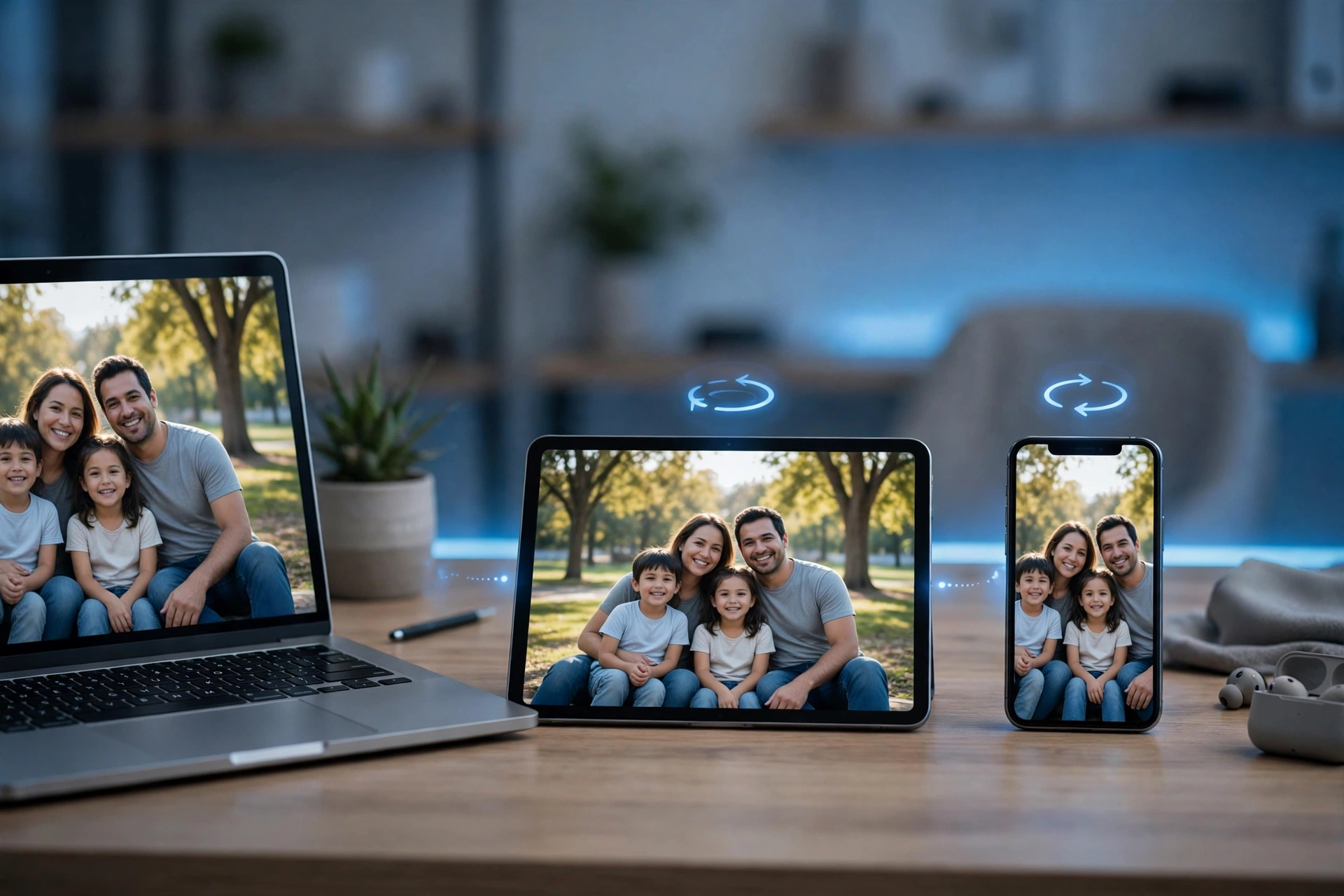
Access the same files on Windows, macOS, Android and iOS. Change a file on one device, it updates everywhere.
Share a file or folder with a link — and take access away with one click. File versioning lets you restore earlier versions.
Create secure shared family albums, and browse your photos in a built-in gallery, organised by date.
Tap any photo to get Total Drive and protect yours the same way.

Keep every birthday, holiday and everyday moment safe — and enjoy them together, years later.

If malware locks your device, your cloud copy stays safe behind AES-256 encryption.

Your photos and files, on any device — from the beach to the office, anytime.

Turn on automatic backup and Total Drive does the rest — in the background, while you live your life.
Start a document on your laptop, check it on your phone, show the photos on your tablet. Everything stays in sync.
No technical skills needed. Most people are set up in a few minutes.
Click Download, install the app on your phone or computer, and sign in to your Total Drive account.
Allow access to your photos and videos. Total Drive starts backing them up automatically, right away.
Open Total Drive on any device to view, download or share your files — anytime, anywhere.
The difference is simple: protected, or hoping nothing goes wrong.
Still unsure? Here are the answers people ask most.
Yes. Total Drive uses AES-256 and private, end-to-end encryption — your files are secured while they are transferred and while they are stored, and only you can access them.
Windows (7 and above), macOS (10.9 and above), Android (5.0 and above) and iOS (12.0 and above). You can use it on your phone, tablet and computer.
Your photos and files are already backed up in the cloud. Sign in to Total Drive on a new device and download or restore them.
Yes. Share a file or folder with a link, and revoke access at any time. You can also create secure shared family albums.
Total Drive offers a 30-day money-back guarantee, so you can try it with confidence. Check the terms on the official site when you download.
Don’t wait until your phone is full, lost or locked. Back up your photos, videos and files today — automatically, securely, and on every device.
⬇ Download Total Drive Now 10TB storage • AES-256 encryption • 30-day money-back guarantee Total Drive